Render Board

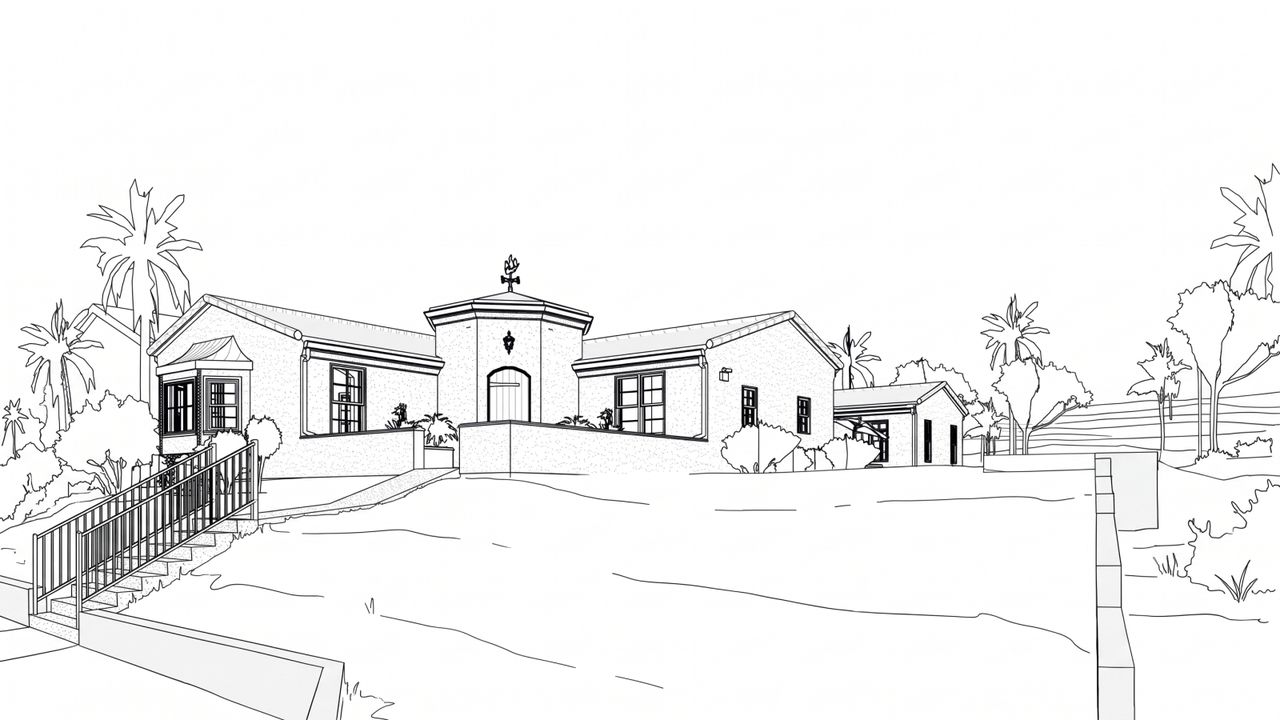
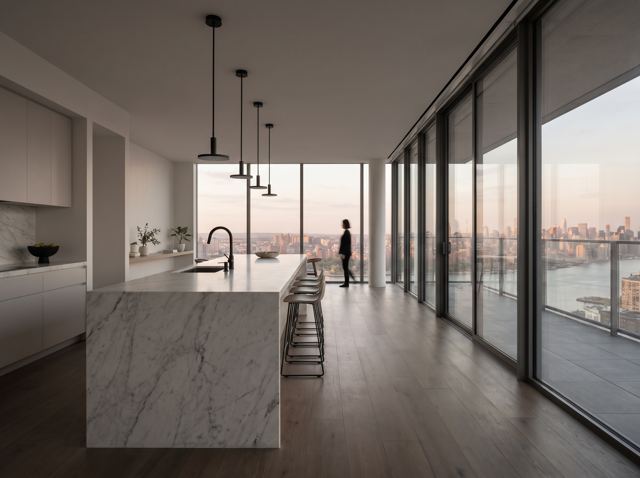
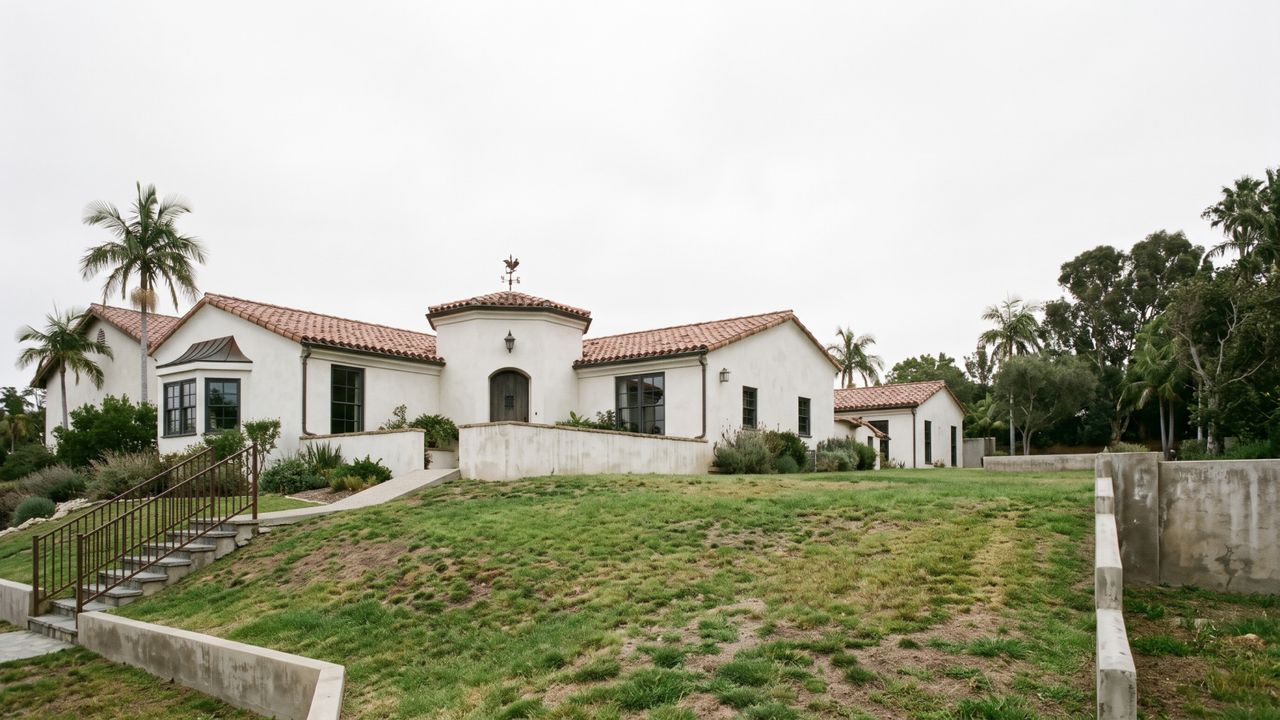
Render Board turns 3D views from Revit, SketchUp and Rhino into photoreal renders

No 3D view? Try a free sample

Turn Claude into your render studio

Connect Render Board

Connect from a computer. Phones can’t add connectors yet.

See what it can do
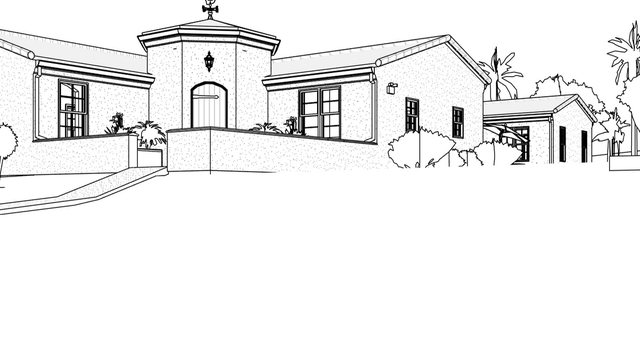

Render it, fix one part, change the light
Render
3D view
3D viewRender

Your first render in about 30 seconds

Drop a Revit, SketchUp or Rhino screenshot. Press Render.

See how it works →
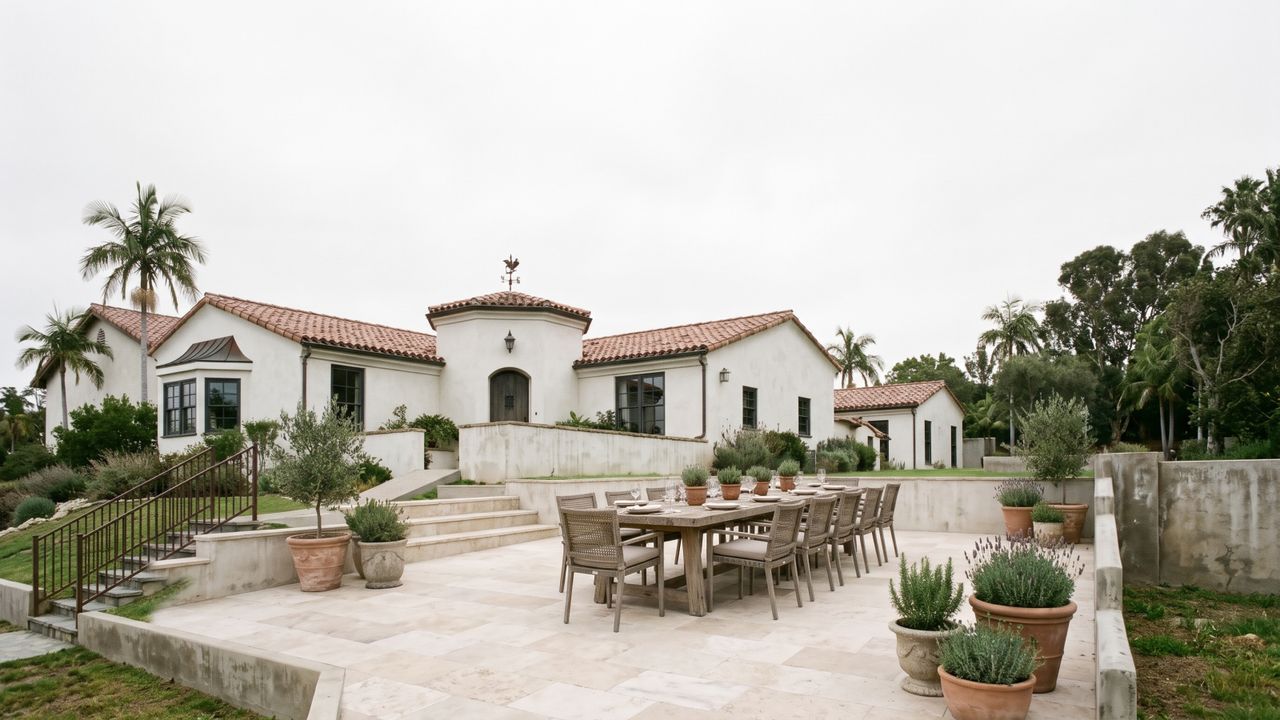

After
Before
BeforeAfter

Change just one part

Draw around it. Type what you want there.

See how it works →
Night
Day
DayNight

Day to night, same view

Pick Night or Golden hour and press Render.

See how it works →

New accounts get 10 free credits. No credit card.

Recreate a look

Pick a look, add your 3D view, and get your render in that style.

How do you want to connect?

Connect in the browser

Add Render Board to Claude at claude.ai

Form filled in for you · 3 steps

Connect in the desktop app

Set up Render Board in Claude Desktop

Manual setup · 3 steps

Works in Claude on the web and in the desktop app. Claude opens a Render Board window where you pick your views. Claude's Free plan allows one custom connector. On Team and Enterprise, an Owner adds Render Board, then each member presses Connect. Step-by-step guide